End the booking chaos today.
30-day free trial. No credit card required.
30-day free trial. No credit card required.
In November, the youth section asks for the clubhouse for its Christmas party. The seniors want the same Saturday. And a member was promised the room for a milestone birthday weeks ago, in passing, after training.
Nobody did anything wrong, the date just wasn't written down anywhere.
Right now, in mid-September, none of that has happened yet. That makes now the right moment to fill the calendar up to the new year.
Count the Saturdays. December 2026 has four: the 5th, 12th, 19th and 26th. The last one is Boxing Day and is practically out for club events. That leaves three Saturdays in December plus 28 November, four evenings for every Christmas party, end-of-year gathering and private celebration your club has.
Two sections can live with that. Five sections plus a clubhouse that members can rent cannot. Then whoever asks first wins, and that is rarely the fairest outcome.
The invitation names the venue and time, and your club's constitution says how many weeks in advance it has to go out. So the room has to be settled before the invitation is sent, not after.
If your meeting is in spring, that sounds far off. But count back from the notice period and the room question quickly lands in the week between Christmas and New Year, when nobody can be reached.
Ask each section for its preferred date now, with a deadline at the end of October. Whatever is entered by then stands. If two sections want the same Saturday, you still have six weeks to sort it out calmly instead of doing it in December between one thing and the next.
How to allocate scarce slots by fixed criteria rather than by who asks first is covered in the post on sports hall training slots. It was written for training times, but the same thinking applies to the Saturdays in December.
The New Year's reception usually falls in the first weeks of January, right after the stretch when the board and members are on holiday. Anyone who starts organising it after the holidays has only a few days left. Settle the date and the room before the holidays arrive.
A party on Saturday evening needs Saturday afternoon or Friday evening for setup and Sunday morning for clearing up. If the calendar only says "Saturday 6 to 11 pm", someone else books Sunday morning and finds the tables from the night before still standing.
Dispoly does not add an automatic buffer between two bookings. So book the room for as long as you really need it, from setup through cleaning. Then everyone can see it is taken for that whole stretch.
The caretaker is on holiday, the heating is turned down, the hall is locked. Everyone who has been in the club for a while knows that. New members don't, and they book.
Enter the closure as an all-day blocked period, for every affected room at once. The step-by-step is in the post on recurring blocked periods. A one-off blocked period is created the same way, just without the repeat.
Not every date is entered the same way. The rule of thumb from the blocked-periods post applies here too: if the question "Who booked this?" has no sensible answer, it is a blocked period.
In quiet months the clubhouse can be bookable without approval: whoever sees a free slot books it, done. In autumn it pays to change that, because otherwise the fastest Saturday wins rather than the most sensible one.
You set approval in two places:
Requests then land with the board as pending, and the person who asked gets an email as soon as a decision is made.
The setting only applies to new requests, bookings that are already confirmed stay confirmed. And it has no date: if you want to go back to working without approval in January, you switch it back yourselves. A note in the board's calendar for early January takes care of that.
Dates entered early have one drawback: by December everyone has forgotten them. Two settings help with that.
If the party also needs the grill, a tent or a gazebo, plan those at the same time. How that looks for a big event is in the post on summer festival planning. In December it is just the mulled wine pot instead.
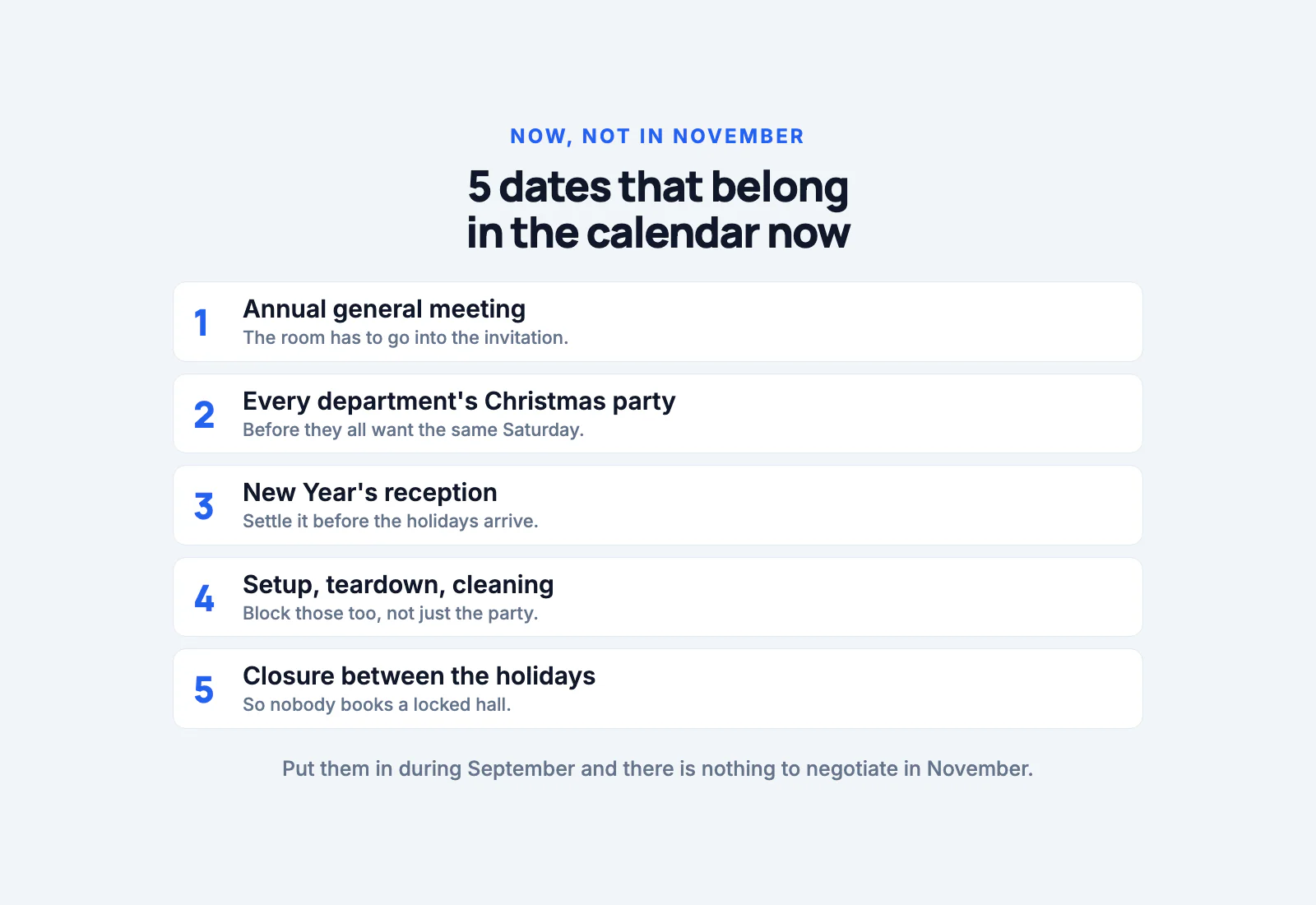
Enter the dates in September and there is nothing to negotiate in November. Five dates, one deadline for the sections and one approval switch are enough to keep December from being handed out on a first-come basis.
How Dispoly handles this for clubs is on the solutions page for clubs.
Trying it out costs nothing: no contract, no setup fee, free for 30 days.